Bring your work together
Zirzoner Workspace brings your docs, projects, and team collaboration into one powerful platform. Plan work, share knowledge, and manage tasks together in a single place.


Workspaces, tasks, and documents in one place
Get started with Zirzoner Workspace
Create a workspace, organize project tasks and documents, and bring your team together.
Create a workspace
Set up a shared space for your projects and team.
Invite your teammates
Add workspace members and choose the access they need.
Plan tasks
Create tasks, assign owners, and track progress by status.
Add project documents
Keep notes and project information with your workspace.
Review updates
Use workspace notifications to stay up to date.
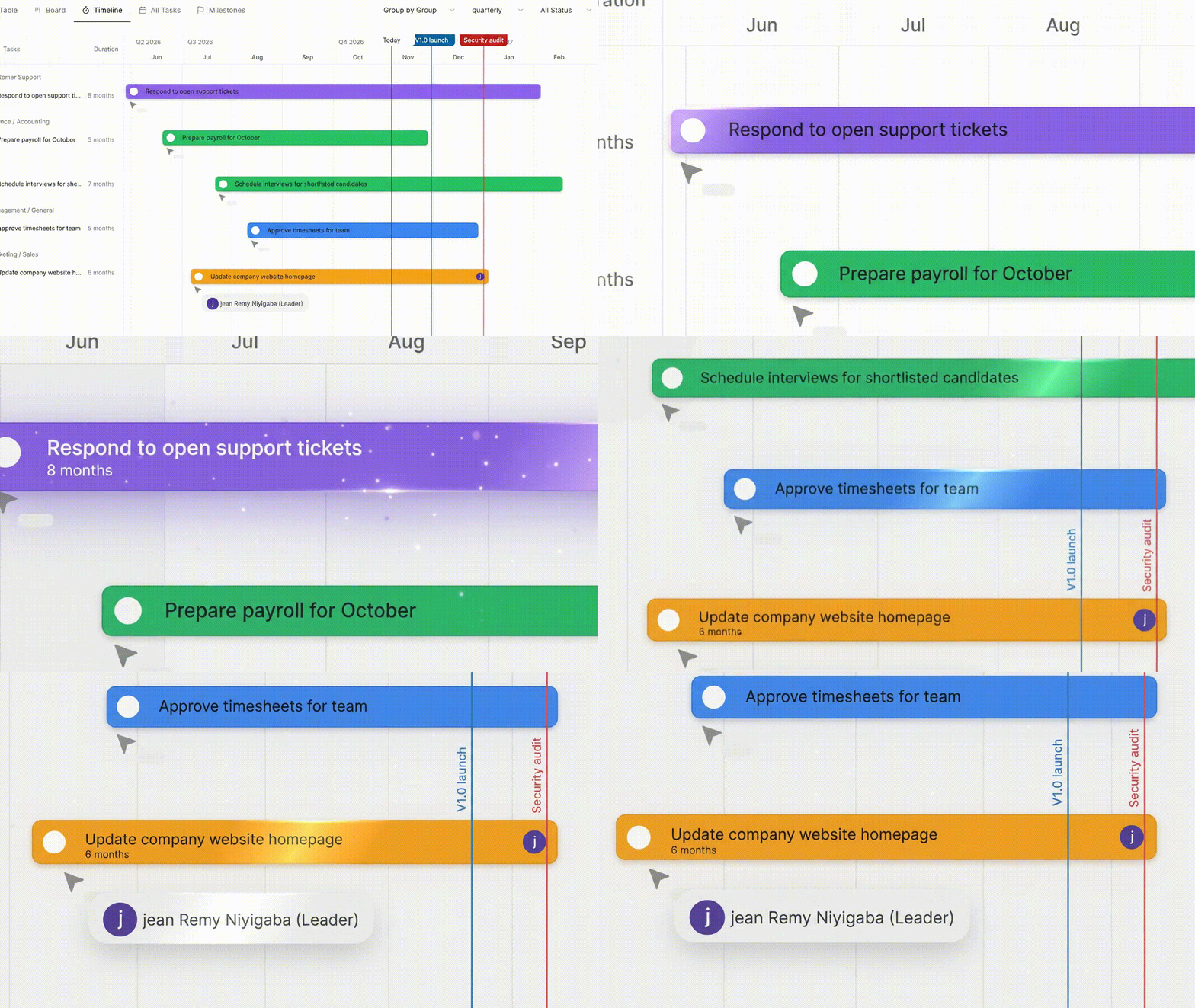
A clearer way to keep every workspace moving
Zirzoner Workspace brings tasks, milestones, documents, and team updates together so everyone can stay aligned and keep work moving.
Workspaces organized
Keep projects, teams, and day-to-day work together in one place.
Tasks and assignments
Track ownership, status, priority, and progress across your work.
Projects and milestones
Plan key dates and follow important milestones on your timeline.
Team updates
Share documents and keep conversations connected to the work.
Tools for projects and teamwork
Plan projects, manage tasks, share documents, and collaborate with your workspace.
Task tracking
Create tasks, set priorities, assign teammates, and follow work through its status.
Learn moreWorkspace management
Keep projects and team activity organized in shared workspaces with role-based access.
Learn moreDocuments and notes
Create and organize project documents and notes alongside the work they support.
Learn moreTeam collaboration
Keep tasks, documents, and workspace updates available to the people working on them.
Learn moreWorkspace roles
Owners and admins manage workspace settings, while member and viewer access follows assigned roles.
Learn morePlans that fit your work
Choose a plan with task, document, and workspace limits that match your team.
Learn moreWorkspace tools
Organize tasks, documents, people, and updates in one workspace.
Workspaces
Create shared spaces for projects, plans, and team activity.
Tasks
Assign work, set priorities, and track progress with your team.
Documents
Keep project notes and documents alongside your workspace work.
Team members
Invite people and manage workspace access by role.
Notifications
Review workspace updates and activity available to your account.
Subscriptions
Choose a plan with limits that fit your workspace needs.
Zirzoner Workspace plans
Plans for organizing workspaces, tasks, documents, and team collaboration.
Free
A simple way to organize your personal work.
$0
first 30 days
- 1 workspace
- 5 tasks
- 5 documents
- Essential task and document management
Standard
Collaboration tools for growing teams.
$4.99
per month
- Up to 3 workspaces
- 50 tasks
- 50 documents
- Comments, assignments, and sharing
Team
Advanced collaboration for teams managing more work.
$9.99
per month
- Unlimited workspaces, tasks, and documents
- Advanced workspace roles and permissions
- Team invitations and administration
Frequently Asked Questions
Find answers about workspaces, tasks, documents, plans, and collaboration.